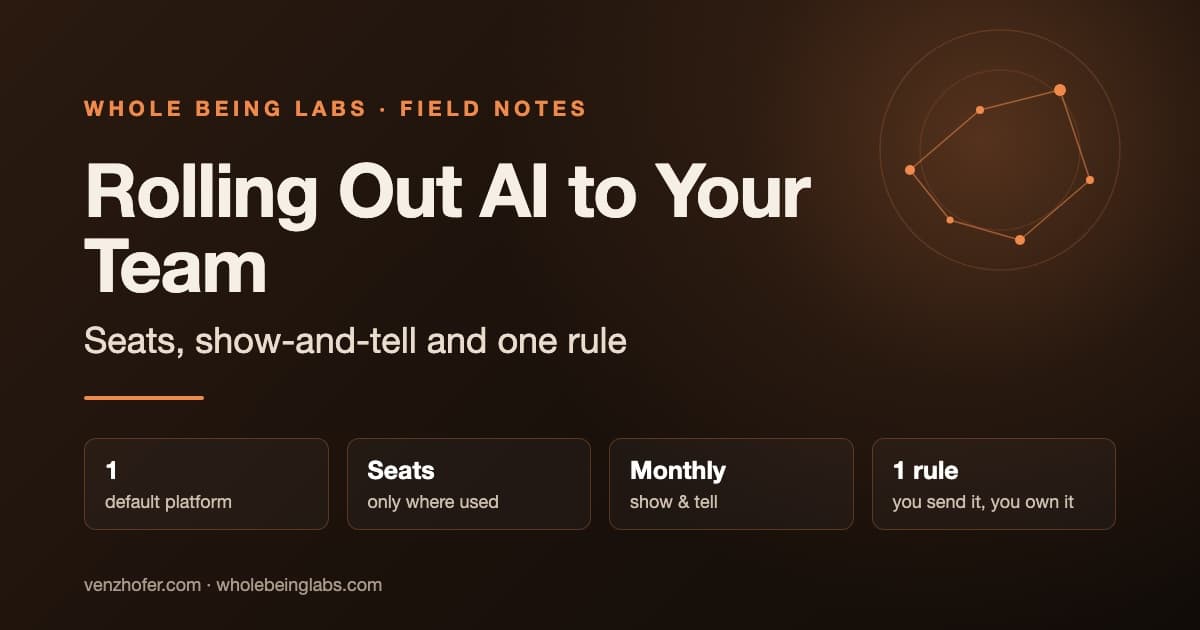
Rolling Out AI to Your Team: Seats, Show-and-Tell and One Rule
One platform, monitored seats, a monthly optional show-and-tell and one ownership rule: how to get half a team using AI beyond the chat window.
Rolling AI out to a team works better as a habit than as a tool purchase. Pick one main platform, give seats to people who will use them and check that they do, run a regular optional session where colleagues show what they've built, and set one rule: whoever sends an AI-generated output owns it. In a company of 50 to 100 people, that's enough to get half the team using AI well beyond the chat window.
How do you pick a platform?
Most teams split into camps, OpenAI fans and Anthropic fans. Choose one as the company default and let people use the other on the side. The specific choice matters less than having one default, so tips, connectors and skills are shared rather than split.
How do you avoid paying for unused seats?
Hand out seats selectively, and check usage in the admin dashboard. Many companies buy a licence for everyone and find half of them unused after three months. Start with people who ask, and move seats when someone stops using theirs.
What does a show-and-tell session look like?
Once a month, run an optional "Show and Tell". Keep it practical, not inspirational:
- moving from chat to uploading and analysing files;
- reports;
- connectors to company tools;
- skills (reusable instructions);
- scheduled, recurring tasks;
- why the context window matters.
Expect the first sessions to be quiet. By the third, people start asking, and you may spend half an hour on how to build a single skill. That's when it's working. Keep it optional: curiosity and a bit of fear of missing out bring people in better than an order does.
Between sessions, a Slack or Teams channel for AI tips keeps things moving.
Who owns the use cases?
At first, nobody formally, and that's fine. When someone spots an automatable task, show them how to build it themselves. If they can't, sit with them. Often the simplest fix is setting up deep research or a scheduled task in the tool they already have.
That works at 80 people. Past that, you'll want someone who owns the list of use cases.
Which rule matters most?
As more staff use AI, more AI-generated reports reach management, and some are wrong in ways that look right. A manager who knows the business spots it: if orders always dip in a certain month, a smooth rising line is suspicious.
The rule: AI raises output per person, but whoever sends it owns it. "The model got it wrong" is no excuse. Leads should read anything generated before passing it on.
Two habits help:
- Ask how it was made. "Where is this from, and how did you think about it?" quickly shows whether someone reasoned or just pasted.
- Brief the model like a person. People explain a task in detail to a colleague, then give the AI one short sentence and expect it to work out the rest. Under-specifying is the most common cause of bad output.
What small automations are worth copying first?
- Salary check before an offer. A skill that looks up how many similar job ads are open in your region and what salary ranges they publish. It stops you from making offers blind and overpaying under time pressure.
- Monthly reputation report. AI collects mentions of the company in media, comments and reviews into one report, something companies used to pay a PR agency for.
- Search via the assistant. A simple rule: if you can't find something in 30 seconds, ask the AI with the relevant tool connected. It's often faster than searching email or Drive.
Where should you start?
Book a 45-minute session next month where two colleagues show one real thing they did with AI. Not a vendor demo. Your own people, your own work.
If you want a structured rollout with connectors and skills prepared for your tools, I run these.